

How To Login to BongoBongo Zambia Account 2026
BongoBongo has quickly gained popularity among Zambian bettors thanks to its wide selection of sports markets, including soccer, basketball, cricket and tennis, along with virtual sports and jackpots. The platform also supports fast transactions through Airtel, MTN and Zamtel mobile money, making it a convenient choice for local users.
To place bets, withdraw funds or claim promotional offers, it is necessary to sign in to a BongoBongo account. The login process is straightforward, provided there is a stable internet or Wi-Fi connection. Multiple ways to access the account exist, depending on the device being used.
| Login methods | Website, mobile app (Android) |
| Credentials required | Valid Zambian phone number and password or 4 digit numeric PIN |
| Customer support | Live chat, email at [email protected], phone +260 760278463 (MTN) / +260771798172 (AIRTEL) |
BongoBongo Login Requirements
Only users who have previously registered with BongoBongo can access the login feature. Below are the key requirements for a successful sign in:
- A valid Zambian phone number that was provided during the registration process on BongoBongo.
- A fast and reliable internet connection, either through mobile data or a stable Wi-Fi network.
- A web browser or the BongoBongo app updated to the latest available version for smooth performance.
How to Sign In to BongoBongo Website
Accessing BongoBongo through the website is the simplest way to log in from any device, whether it is a desktop computer, tablet or smartphone. The mobile version of the site adjusts automatically to fit the screen, so no additional software is needed. Follow the steps below to sign in.
- Use a direct link to open the official BongoBongo website in your preferred browser.
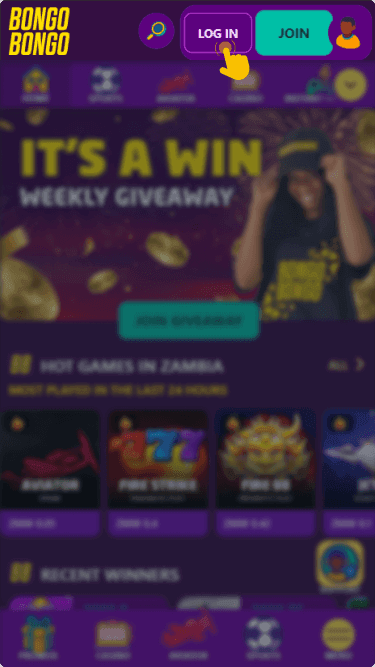
- Locate the “Log in” button, which is positioned at the top right corner of the homepage.
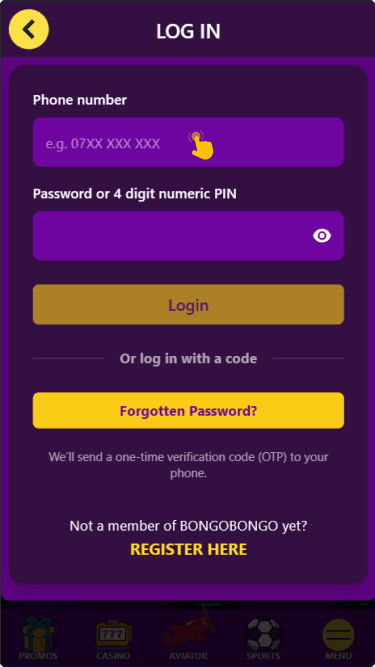
- Enter your registered Zambian phone number and your password or 4 digit PIN in the fields provided.
- Tap or click the green “Login” button to submit your credentials and access your account.
Once the details are accepted, the system will redirect you to the main dashboard where all betting options are available. If the page takes too long to load, try switching between mobile data and Wi-Fi.
Mobile App Login
BongoBongo is widely accessible on mobile devices through its dedicated Android application. The app delivers a smooth experience optimized for smaller screens and makes it quick to sign in on the go. Users with iOS devices can log in through the mobile version of the website in their browser.
App details:
| Platform | Android |
| Minimum OS version | Android 8.0 or higher |
| App size | 3 MB |
| Minimum RAM | 1 GB |
| Download source | official BongoBongo website |
Follow these steps to log in through the BongoBongo Android app:
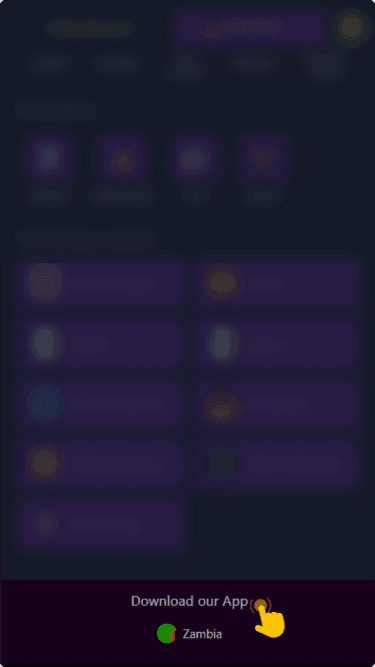
from the bookmaker's website if you have not done so already.
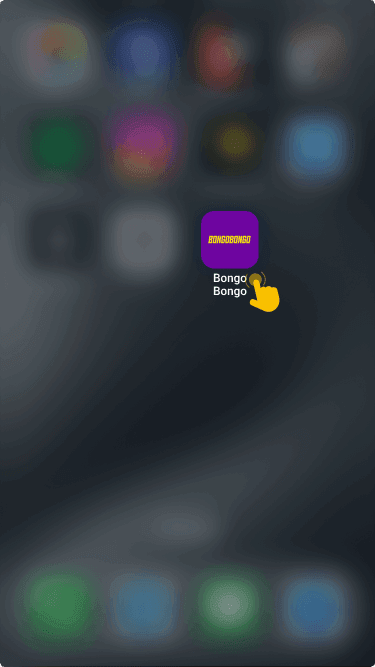
and wait for the home screen to load fully.
at the top of the screen and tap it to open the credentials form.
then tap “Login” to reach your betting dashboard.
What to Do After Login
Once signed in, head to the cashier section to make a deposit and start placing real money bets. BongoBongo supports quick deposits via Airtel, MTN and Zamtel.
The platform also offers attractive promotions that can be activated after depositing. These include cash daily prizes and daily free bets, giving users extra opportunities to enjoy the platform.