

How To Login to AfricaBet Zambia Account 2026
AfricaBet has been gaining traction among bettors in Zambia thanks to its solid balance between pre match variety and live markets, which allows smooth transitions from regular bets to in play action. The mobile version also works well even on basic Android devices, making it a practical choice for users across the country.
Logging into your AfricaBet account is a necessary step before placing bets, withdrawing funds, or claiming promotional offers. The login process is straightforward as long as you have a stable internet or Wi Fi connection, and there are multiple ways to access your account depending on your device.
| Login credentials | Phone number, email, username and password, or WalletConnect |
| Mobile app | Android app |
| Customer support | Live chat, email at [email protected], social media (Facebook, Instagram, Telegram, Twitter) |
| Bonuses | Welcome 50% bonus, 2nd deposit bonus, weekend free bet bonuses, accumulator bonus, weekly cashback, boosted odds |
AfricaBet Login Requirements
Only users who have previously completed registration with AfricaBet can access the login process. Below are the requirements for a successful sign in:
- A valid phone number, email, or username that was used during your original registration with AfricaBet.
- A fast and reliable internet connection to ensure the login page loads without interruption or timeout errors.
- A browser or the AfricaBet app updated to the latest available version for full compatibility with the platform.
How to Sign In to AfricaBet Website
Signing in through the AfricaBet website remains the simplest method of account access on any device. Whether you use a desktop computer or a mobile browser, the process takes only a few seconds.
Follow these steps to complete your website login:
- Use our direct link to navigate to the official AfricaBet website in your browser.
- Locate the “Sign In” button, which is typically positioned at the top right corner of the homepage.
- Enter your registered phone number, email, or username along with your password in the provided fields.
- Click the green “Login” button to submit your credentials and gain full access to your account.
If you chose WalletConnect during registration, select that option on the login screen instead of entering manual credentials. The system will prompt your connected wallet for authorization.
Lite Version Sign In
AfricaBet does not currently offer a lite version of its website. Users with slower internet connections or older devices can still access the standard mobile site, which is already optimized for lower data consumption and basic Android phones. The mobile browser experience provides core betting functionality without the need for a separate lightweight interface.
Mobile App Login
AfricaBet is widely accessible through mobile devices thanks to its dedicated Android application. iOS users can still log in conveniently through the mobile website in their browser.
| Parameter | Technical requirements |
|---|---|
| Compatible operating systems | Android 8.0 or higher |
| System memory | At least 1GB RAM recommended |
| Free device storage | 33.4 MB |
| Network connectivity | Requires stable internet for full app functionality |
Follow these steps to log in through the AfricaBet Android app:
Download and install the official AfricaBet app directly from the AfricaBet website on your Android device.
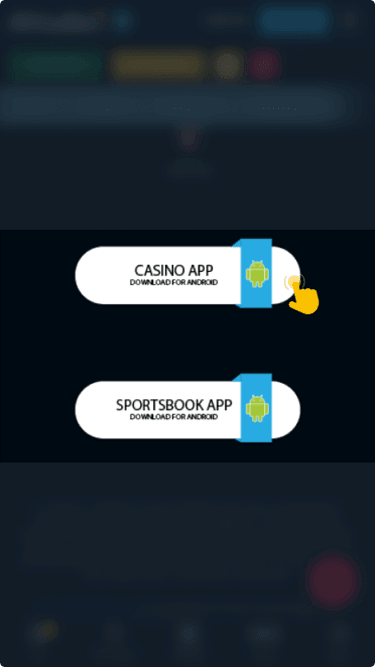
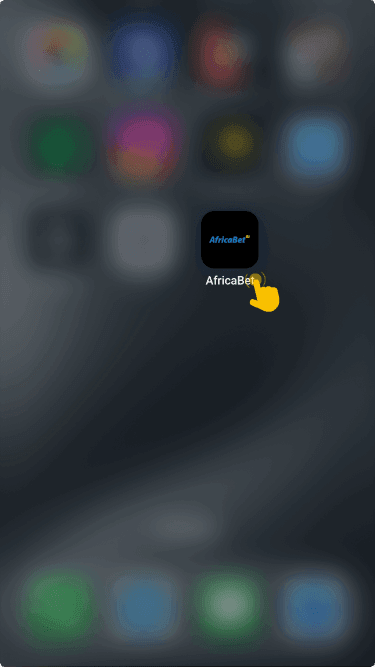
Open the application and wait for the home screen to load completely before proceeding further.
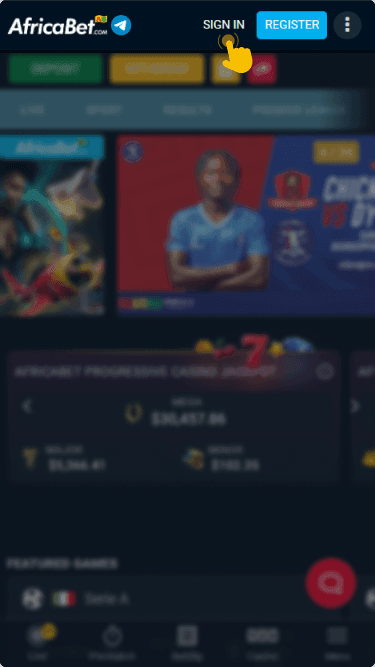
Tap the “Sign In” button located at the top of the screen and enter your registered credentials.
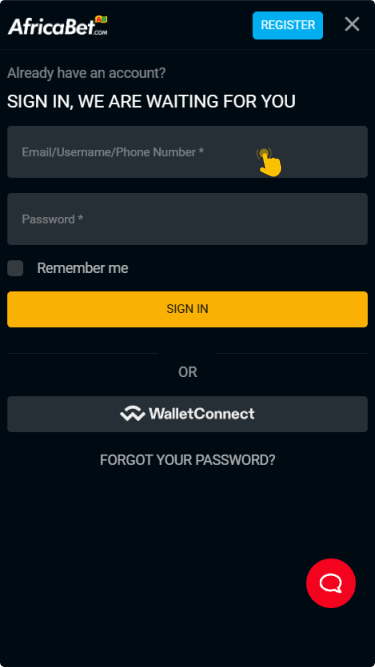
Input your phone number, email, or username along with your password, then tap the login button to reach your betting dashboard.

What to Do After Login
Once you are logged in, head to the cashier section to make a deposit and start placing real money bets. AfricaBet provides a generous selection of promotions that activate after a successful deposit. These include a welcome 50% bonus, a second deposit bonus, weekend free bet bonuses, an accumulator bonus, weekly cashback, and boosted odds on selected events.