

How To Login to 22Bet Zambia Account 2026
22Bet is a global sportsbook that has gained solid traction in Zambia thanks to its fast navigation, broad event coverage, and convenient betting options. The platform supports thousands of sports markets and keeps expanding its presence across Africa.
To place bets, withdraw funds, or activate promotional offers, users need to sign in to their 22Bet account. Logging in is straightforward as long as you have a stable internet or Wi Fi connection. Multiple ways exist to access the platform, whether you prefer a desktop browser or a mobile device.
| Login button | located at the top right corner of the homepage |
| Credentials needed | valid phone number or social network account and password |
| Mobile apps | Android app, iOS app |
| Customer support | live chat, email at [email protected] |
22Bet Login Requirements
Only users who have previously registered with 22Bet can log in to the platform. Before attempting to sign in, make sure the following requirements are met:
- A valid phone number or social network account that was linked during the registration process.
- A fast and reliable internet connection to ensure the login page loads without interruptions or timeouts.
- A browser or mobile app updated to the latest version so all security features function properly.
How to Sign In to 22Bet Website
Signing in through the 22Bet website is the simplest way to access your account on any device. Whether you use a desktop computer, a tablet, or a phone browser, the process remains the same. Follow these steps:
- Use a direct link to navigate to the official 22Bet website in your browser.
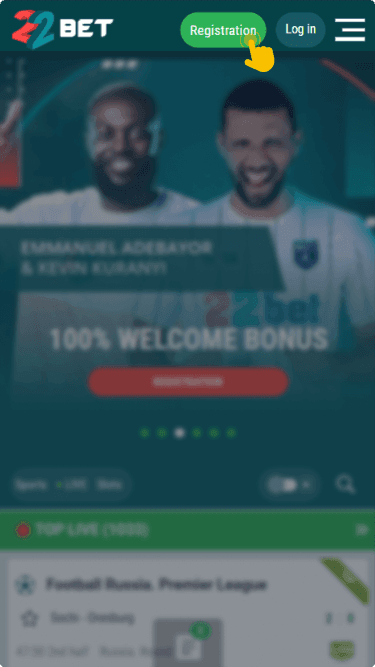
- Click the “Login” button, which you will find in the top right corner of the homepage.
- Enter the phone number or social network credentials you used when creating your account.
- Type your password in the designated field and then click the green “Login” button to proceed.
Once the system verifies your details, you will land on your personal account dashboard immediately.
Mobile App Login
22Bet is widely accessible through mobile devices, offering dedicated apps for both Android and iOS users. The apps deliver the full range of features you find on the desktop site while being optimized for smaller screens.
| Parameter | Android app | iOS app |
|---|---|---|
| Compatible operating systems | version 6.0 or higher | iOS 14.0 or later |
| System memory | requires 2 GB of RAM | requires 2 GB of RAM |
| Free device storage | 213.6 MB | 213.6 MB |
Follow these steps to log in through the 22Bet mobile app:
Download and install the official 22Bet app from the bookmaker's website for Android or the App Store for iOS.
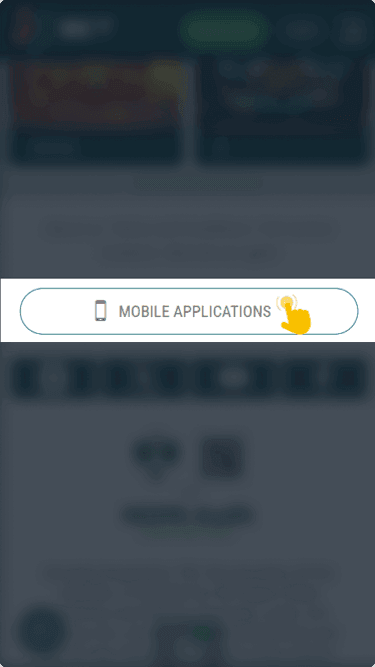
Open the application on your mobile device and wait for it to load fully on your screen.
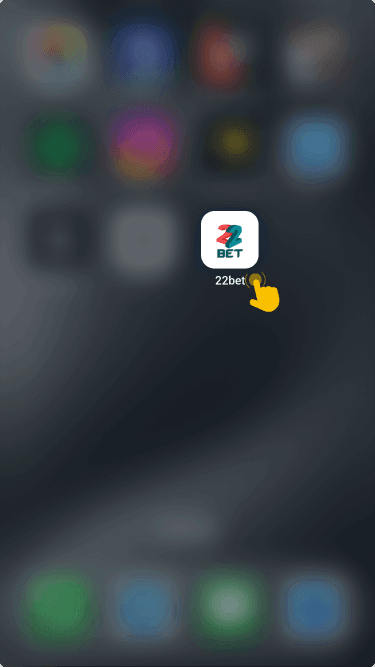
Locate the login button at the top of the screen and tap it to open the sign in form.
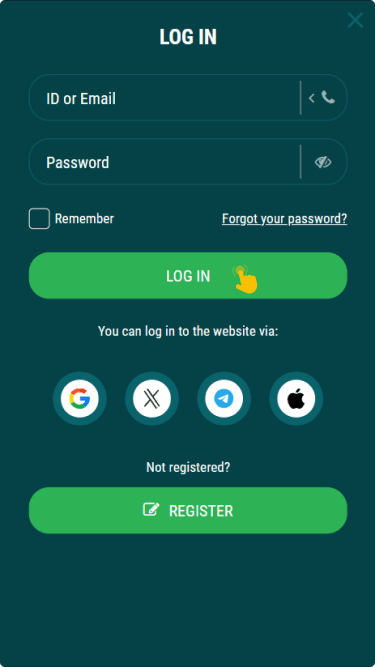
Input your registered phone number and password, then tap the login button to enter your account dashboard.


What to Do After Login
Once logged in, the cashier section becomes accessible for depositing funds. Topping up your account is required before placing real money bets on any available sports market. The entire deposit process takes just a few moments through the supported payment methods in Zambia.
22Bet provides several promotional offers that activate after a successful deposit is made. A welcome 100% bonus doubles the initial deposit amount, giving new users extra funds for their first wagers. A Friday reload sportsbook bonus also exists, allowing returning players to receive additional value on deposits made at the end of each week.
Beyond those offers, a rebate bonus returns a percentage of losses over a specified period, reducing the overall risk for active bettors. An accumulator bonus increases potential payouts when multiple selections are combined in a single bet slip. These promotions become available immediately after signing in and completing a qualifying deposit.