

Anyone who wants to place bets, cash out their funds, or claim exclusive bonuses must log in before they start. Multiple login methods suit different devices, so you can always access your account in the way that fits you best.
| Method | Description | Link |
|---|---|---|
| Mobile app | Best for Android and iOS users with newer devices | Download Premier Bet App |
| Website | Basic option with all features preserved and max data consumption | Premier Bet Website Login |
Premier Bet Login Requirements
Only customers who have already registered with Premier Bet can log in and reach their personal dashboard. More importantly, they should satisfy the following criteria:
- Registered email or phone number. You need to enter the same phone number or email address that you used when you signed up.
- Secure and stable connection. A reliable and fast internet connection keeps the login process smooth from start to finish.
- Latest software. Before logging in, check that your browser or app is updated so you get the full Premier Bet experience.
How to Sign In to the Premier Bet Website
Logging in on the Premier Bet website is the simplest way to access your account from any device, whether you use a computer, tablet, or smartphone. The process takes only a few moments and gives you access to every feature Premier Bet offers.
- Step 1. Visit Premier Bet’s Official Site. We provide an exclusive link for safe access and deluxe bonuses in the future.
- Step 2. Click the Login Button. Look for the login option at the top right corner of the homepage, next to the Join button.
- Step 3. Input Your Credentials. Enter your registered phone number, username or email along with your password in the provided fields.
- Step 4. Submit and Access Your Account. Press the yellow “Login securely” button and wait to be directed to your personal account.
This method works equally well for those who use the main website on a mobile browser. You get all the same Premier Bet features, so there is no loss of functionality compared to desktop access.
Mobile App Login
Premier Bet extends its platform to Android users in Zambia with a dedicated mobile app designed for fast and convenient access.
If you use an iPhone or iPad, you can log in directly through the Premier Bet mobile website. The mobile site runs smoothly on any browser and keeps all the main betting features available.
| System Requirements | Android |
|---|---|
| OS Version | Android 5.1 or higher |
| RAM | At least 1GB RAM |
| Storage space | a minimum of 3.7MB in free storage |
| Internet | A stable internet connection helps you load the app and access all features without interruption |
Here's how to download the Premier Bet app and sign in through it:
Visit Premier Bet’s official website using our link and find the app page.
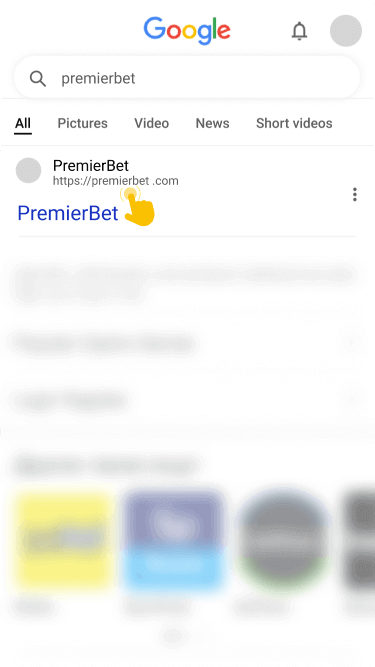
Tap the downloaded APK file to install. You may need to allow third-party installation through your device's Settings since you're downloading outside the Google Play Store.

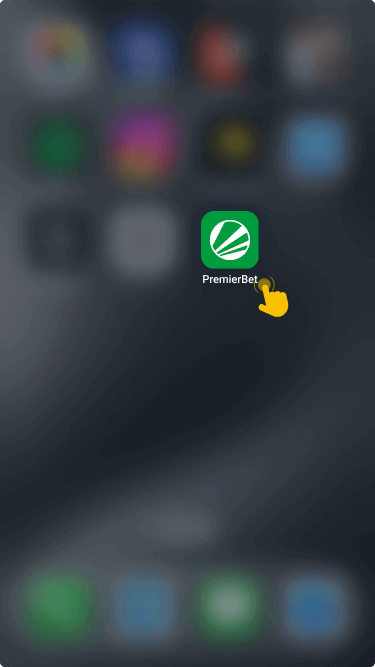
Tap the app icon to launch it on your Android device. Look for the login button that will trigger the form.
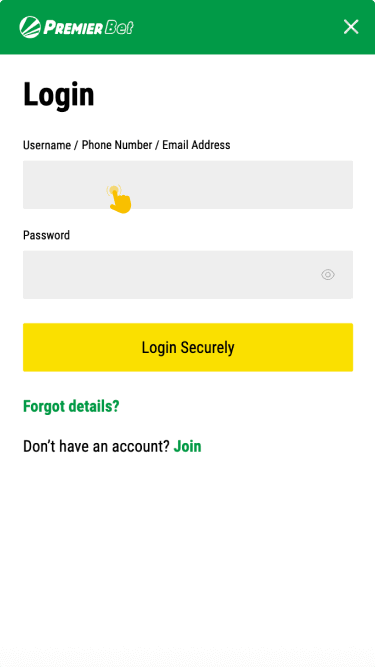
Fill out your phone number, username, email, and password. Tap the Login Securely button to access your dashboard.
This streamlined process puts your account just a few taps away and brings all Premier Bet’s sports markets and features to your pocket.
